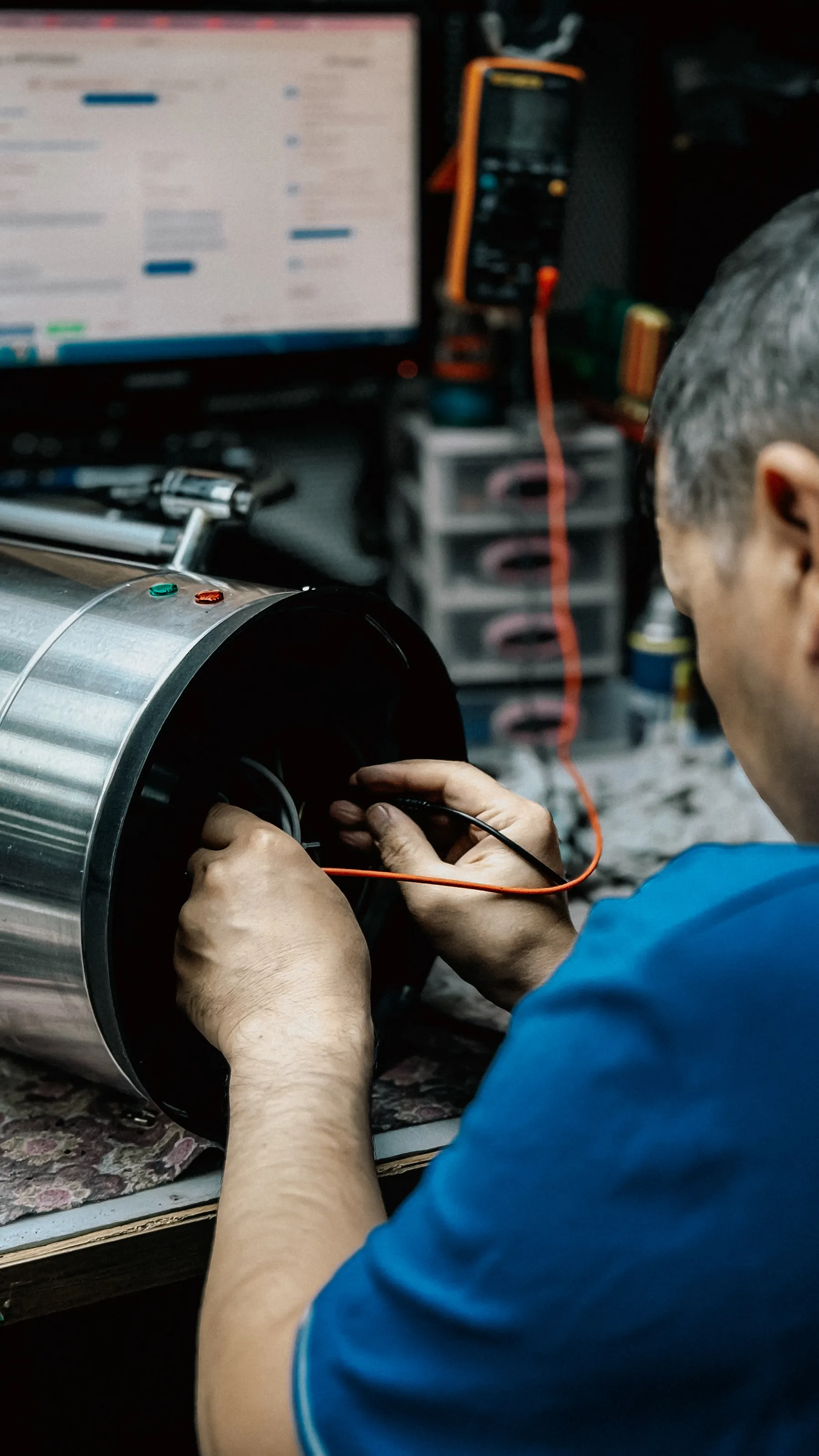
System of record
Know every asset.
Keep assets, documents, procedures, and maintenance history together. Give every job the context it needs.
Explore asset recordsIndustrial maintenance software
Maintenance software for plants, facilities, and service teams. Connect assets, planned work, and on-site evidence, even offline.
Free plan: 1 site, 5 users, 50 assets.

Mobile + offline
Your maintenance workflow goes with you, even without a signal.

Photos, signatures, time, and parts stay with the work order.
See what stays on recordThe Runspine system
Asset history gives work its context. Completed work keeps the record current. Reporting shows where to focus.
System of record
Keep assets, documents, procedures, and maintenance history together. Give every job the context it needs.
Explore asset recordsSystem of action
Turn plans and requests into assigned work. Complete procedures, record time and parts, and capture evidence on site, even offline.
Explore work ordersSystem of intelligence
Review PM compliance, downtime, and work trends. Use the maintenance record to make informed operational decisions.
PlannedExplainable recommendations.
Explore reportingIllustrative workflows. Reporting is available today; explainable recommendations are planned.
Who it is for
For plants and facilities
Enterprise CMMS is often too heavy. Runspine stays practical, and we help with migration so you get running quickly.
For plants & facilitiesFor service providers
Manage multiple customer accounts, each with its own sites. Your techs get a mobile app that works in the field.
For service providersAssisted migration
Moving from spreadsheets or a legacy system, or starting fresh? We help you set up a maintenance workflow your team can use.
Find your way to go live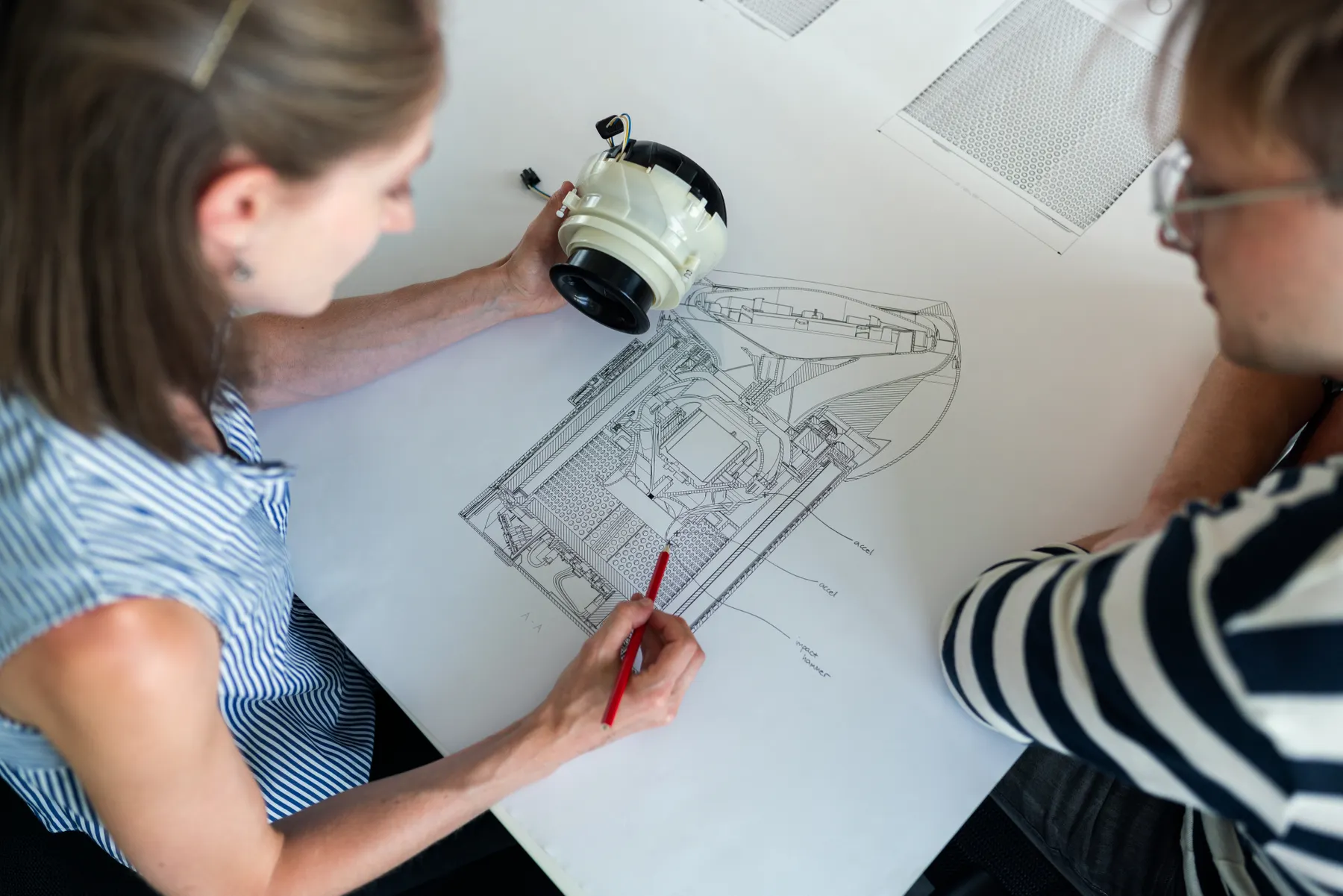
Start with your existing records or build your first asset register. We help you get set up.
Define intervals, steps, and parts. Due work becomes work orders automatically.
Techs follow procedures, log time, and use parts in the mobile app.
Photos, signatures, notes, and timestamps stay with the job.
Built on solid ground
Application servers are hosted in Frankfurt, Germany. Control access by account, site, and role, including separate customer accounts for service teams.
Review security and data locationTry the Free plan at one site. Essential and Unlimited support your daily work as your requirements grow.
Explore plans and pricingStart free with your team, or walk through a real maintenance workflow with us.